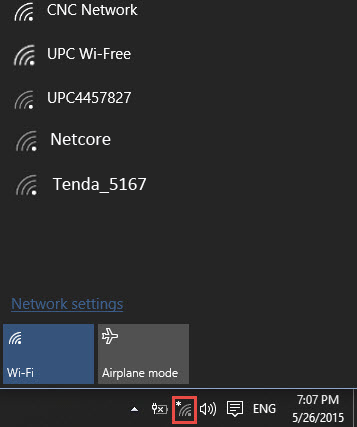
After a bit of rattling around in stumbled upon a post regarding wifi channel settings for win10 systems.
https://www.windows10forums.com/threads/cant-connect-to-routers-configured-on-channels-12-and-13.3334/
It clearly said wifi channels above 11 are not simply detected by windows so in order to fix this login to your route using default credentials just in case you haven't changed them and change the channel back to number 11 and restart it.
.jpg)
Once done wifi will be available in the wifi list and you can connect to it.
This happen's because by default channel setting are set to Auto so sometime after router reboot is done channel get updated to a new number may be higher than 11 in our case and windows stops detecting it.


No comments:
Post a Comment